All you need to know
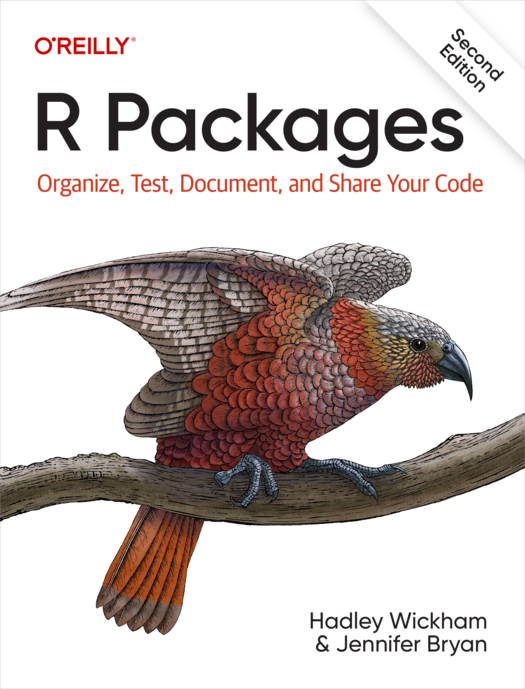
Freely available at r-pkgs.org
Tutorials
 e.g., carpentries and Utrecht University
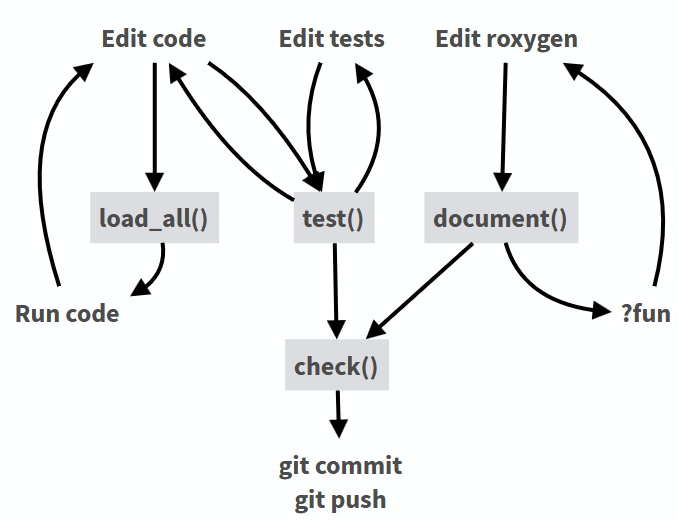
Development workflow: devtools
Spellchecking: spelling

- Adds spellchecker to
devtools::check() - Whitelist for technical terms
Unit Testing
Unit testing with testthat
Write tests:
Run tests:
Reusable
- Provide a license (ask your funder or PI)
- Citation info in
CITATION.cffor underinst/CITATION - Generation via
cffr - Automatic transfer of metadata to archives
- Cite software in your publications
CI/CD meets FAIR
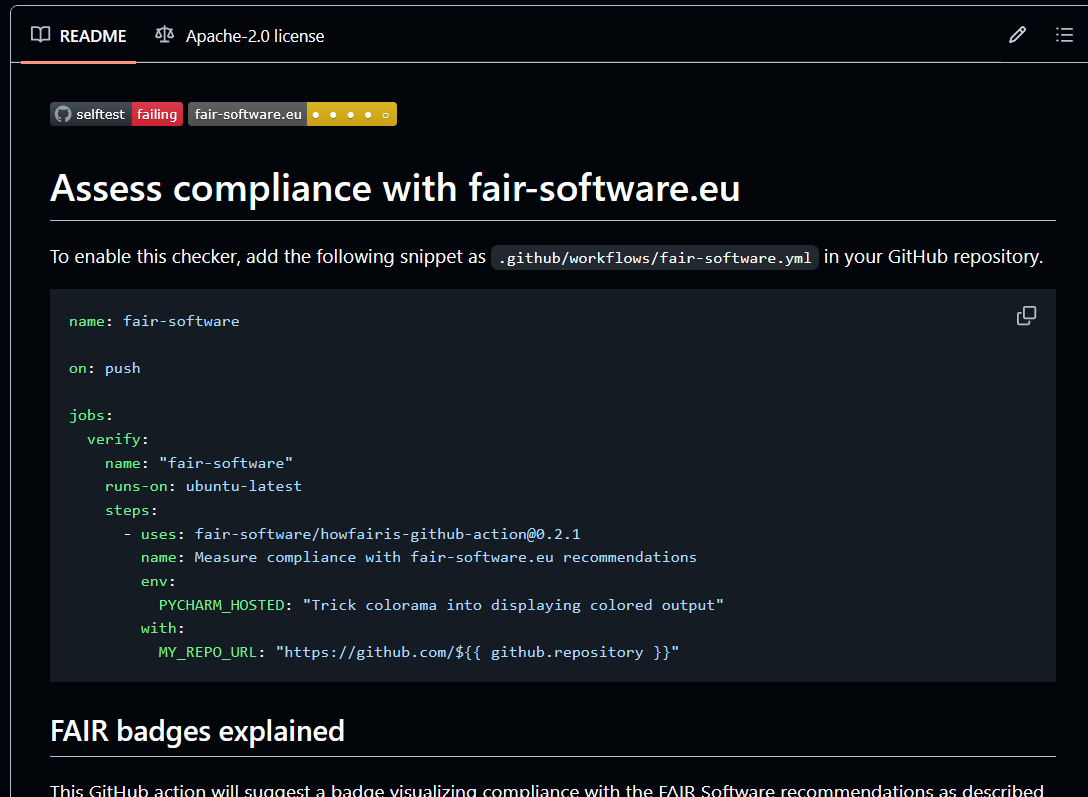
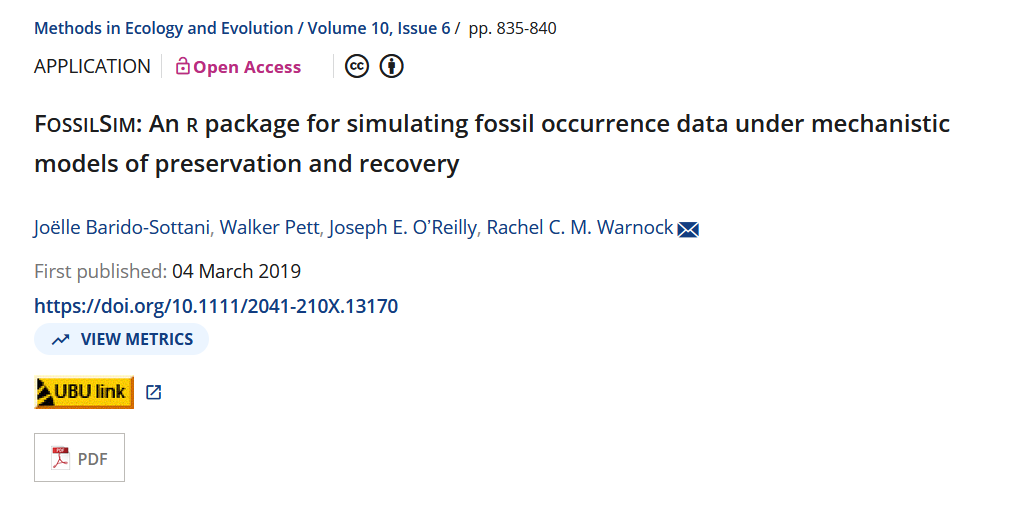
Packages as scientific output
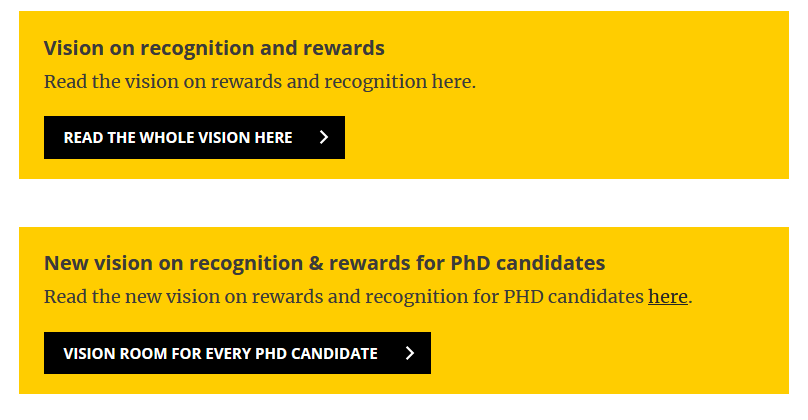
Software as part of Recognition & Rewards
Packages as scientific output: ECR edition
Packages can be part of a dissertation (talk to your supervisor!)
Develop skills for a career outside of academia
Packages as scientific infrastructure
FAIR data and software as key component of Open Science
Increasing focus on software sustainability
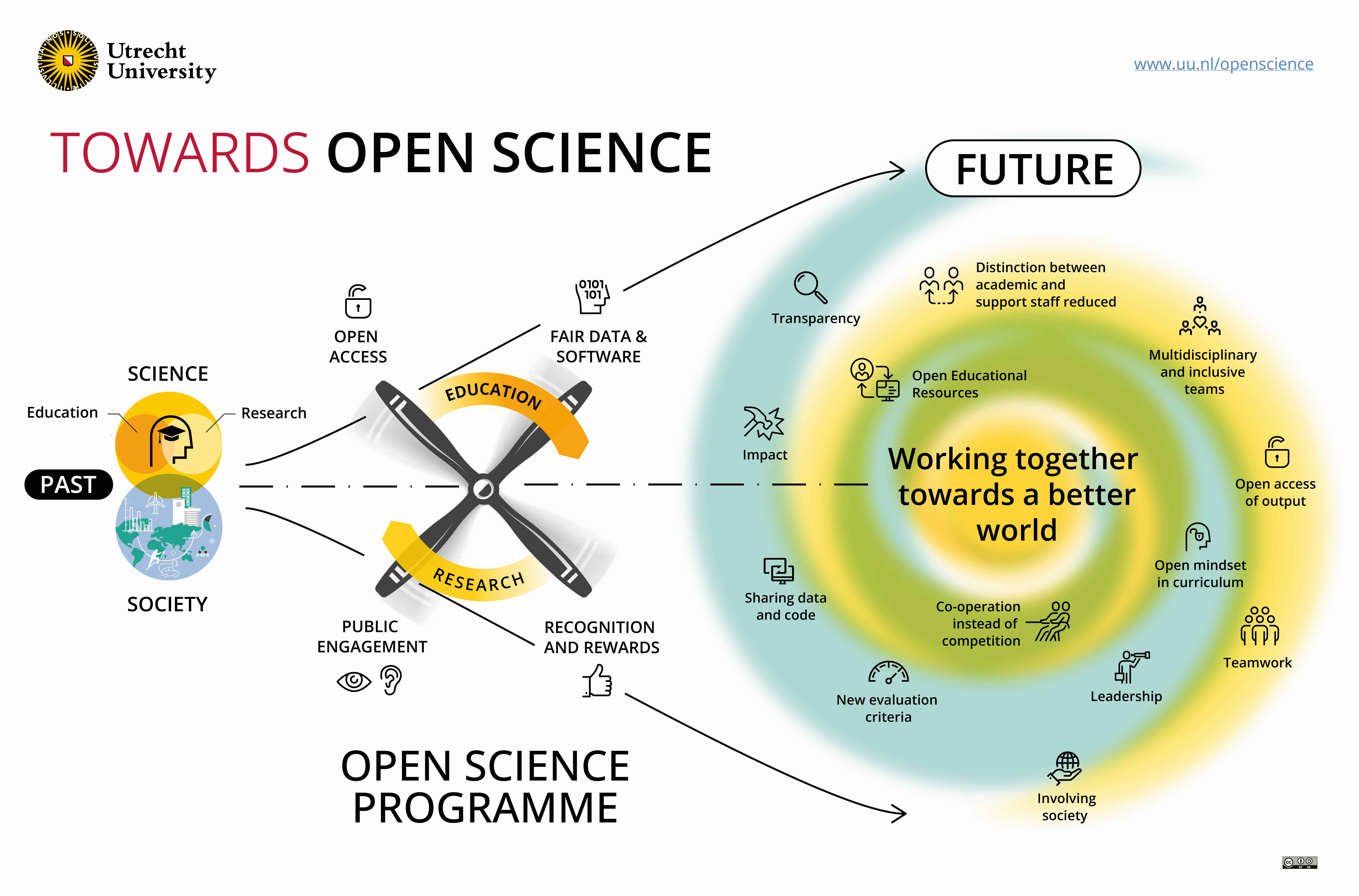
uu.nl/en/research/open-science
Website
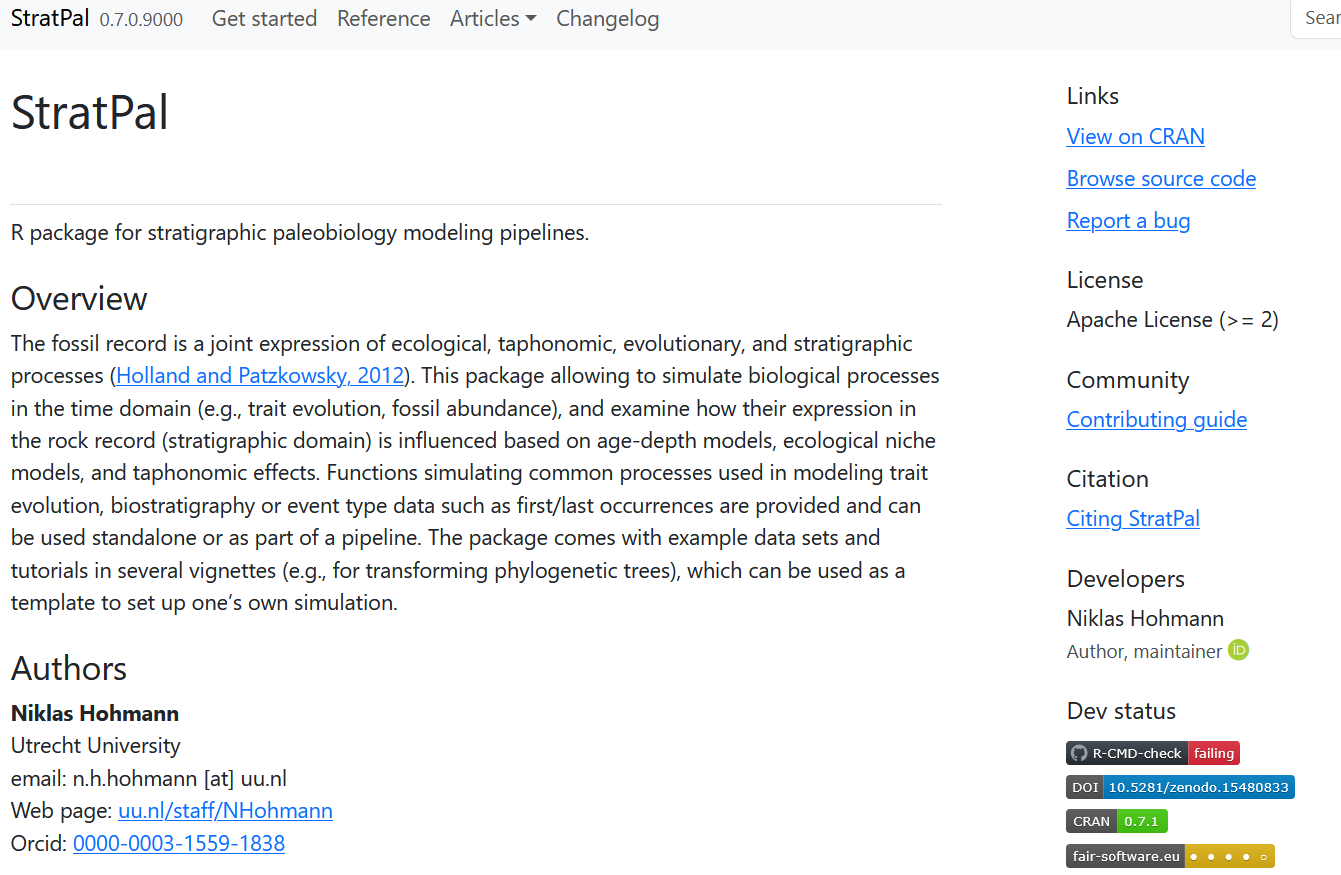
Combines documentation, vignettes, license, contribution guidelines, bug reporting and much more
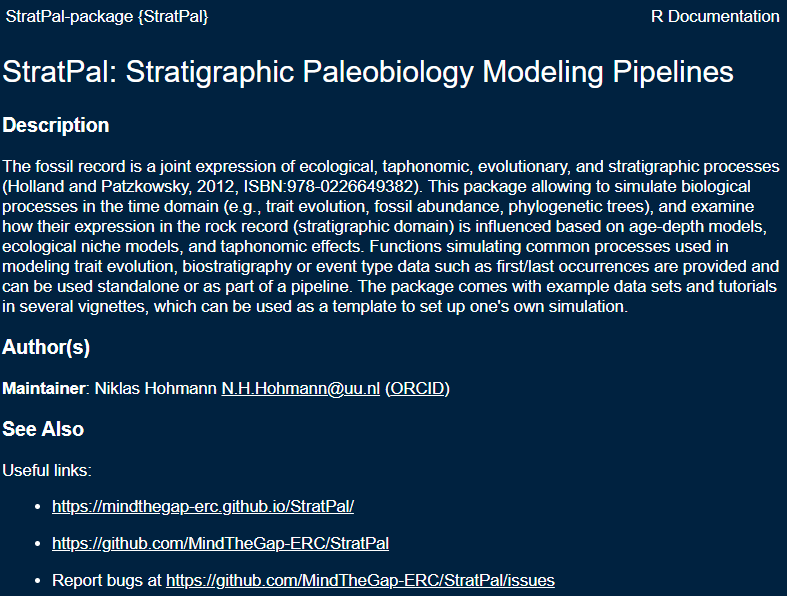
Example: StratPal package
Links geosciences (stratigraphy) with biology (paleontology & phylogenetics)
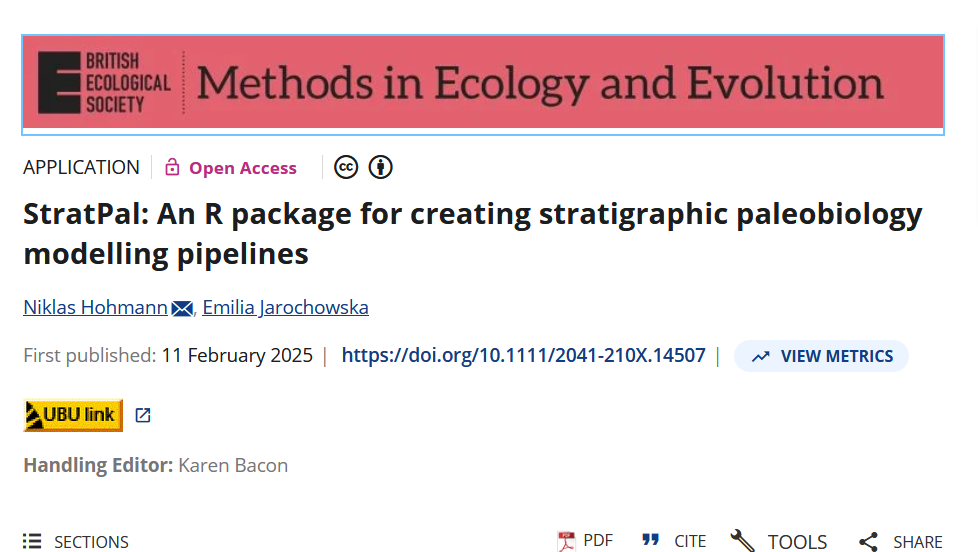
StratPal publication
Teaching materials
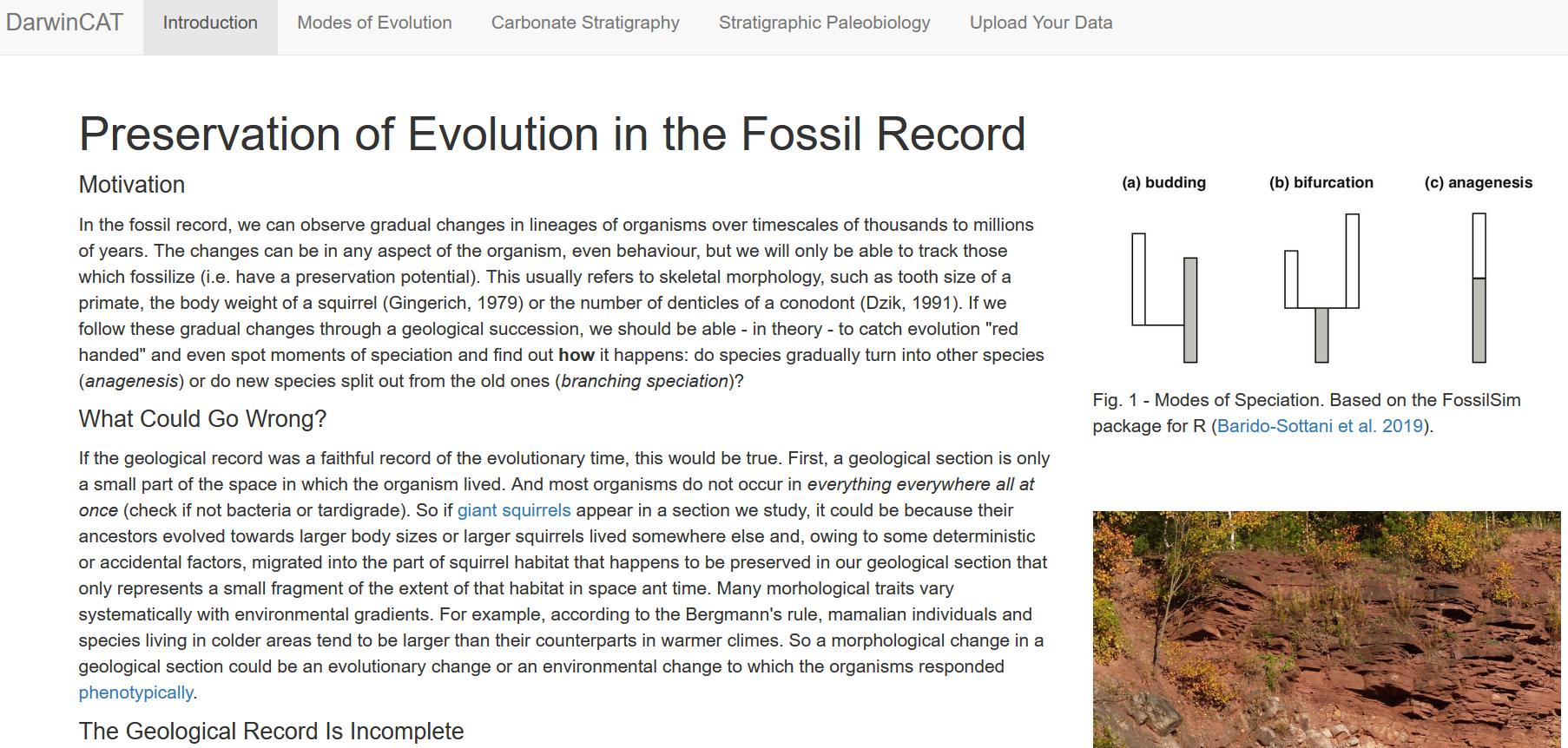
Shiny App + open educational resources
Workshop materials
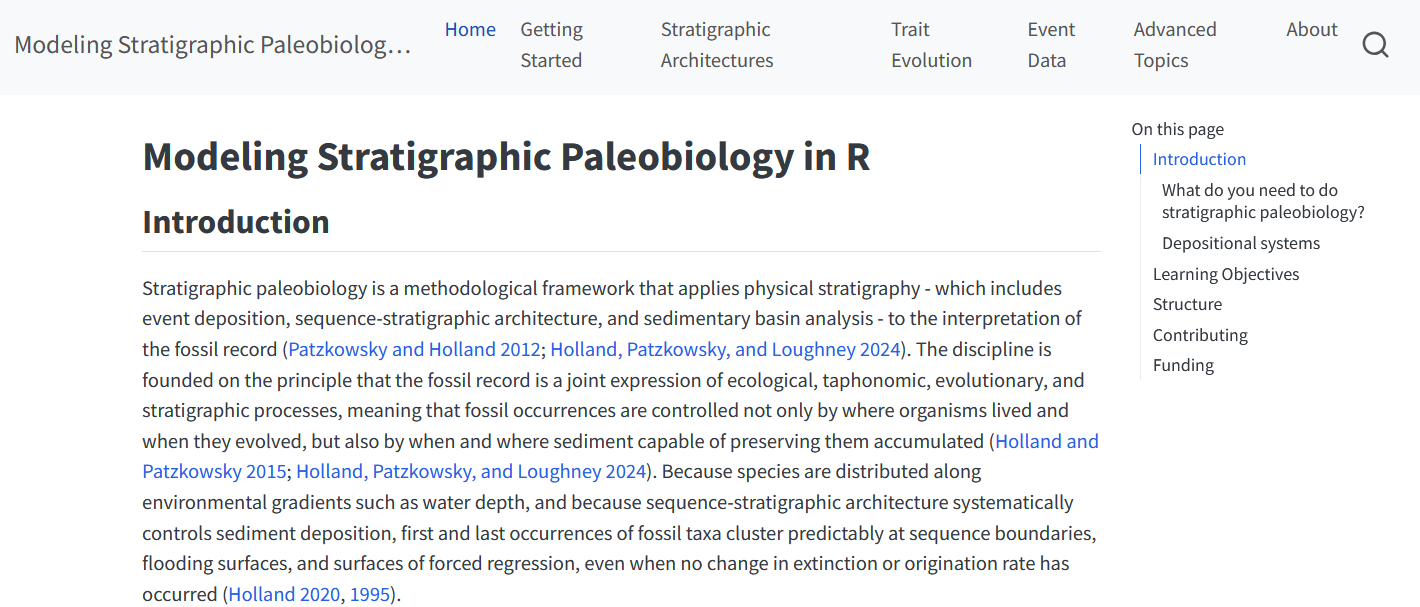
StratPal webpage